THE TOOL COLLECTION
Creative Tools
Give your camera an illustrated look, take a photo or record a performance. Explore creative workflows in Live Face Swap, from choosing a style to saving a PNG or trimming a video clip.
Explore creative tools
Live styles, photos & recordings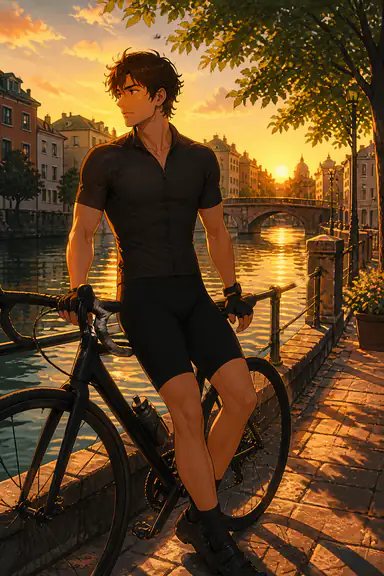 Style reference
Webcam Anime Filter
Choose an anime style reference, compare the whole camera scene and record an illustrated performance.
Open anime filter Style reference
Webcam Cartoon Filter
Give a short introduction a cartoon look. Try clay or toy-style references, check your face and props, then record a clear explanation.
Open cartoon filter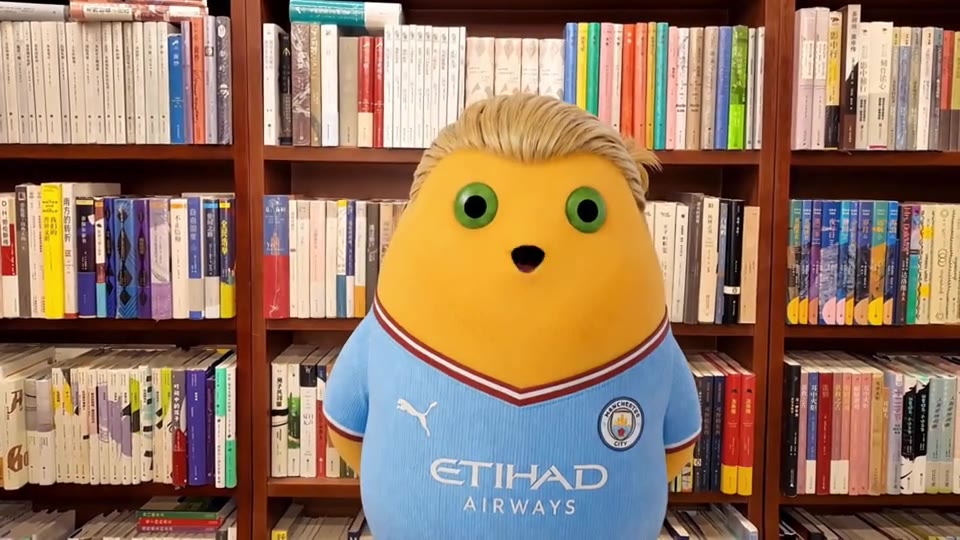 Effect demonstration
Webcam Video Recorder with Filter
Record an AI camera effect with optional microphone audio, review the take, then trim and download your video.
Open video recorder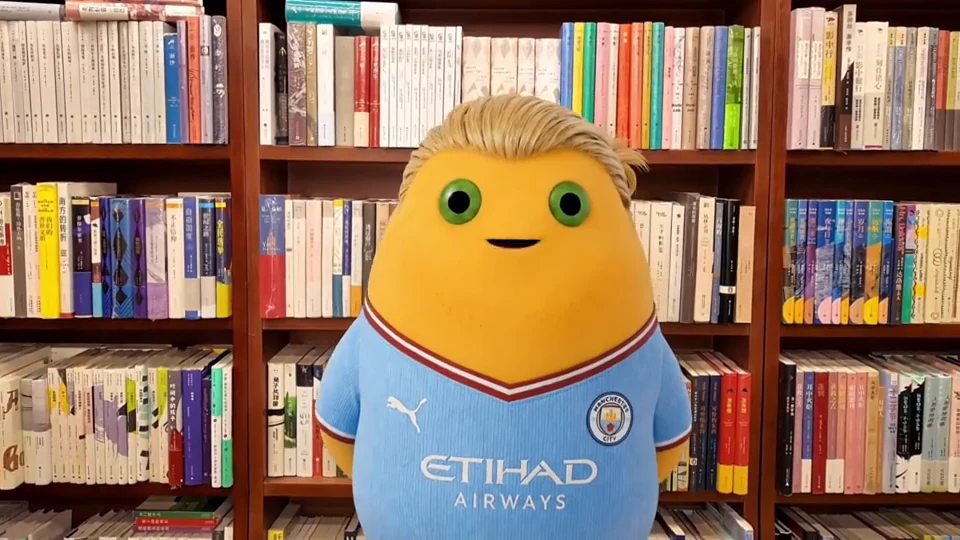 Demo frame
Filter Webcam for Taking Photos
Preview an AI camera effect, choose the expression and framing, then save a still photo as a PNG.
Open photo tool Style reference
Filters for Photos Camera Webcam
Choose a character, artistic style or outfit for your camera photo. Preview the look, save a PNG and compare effects with a worked invitation example.
Choose photo effects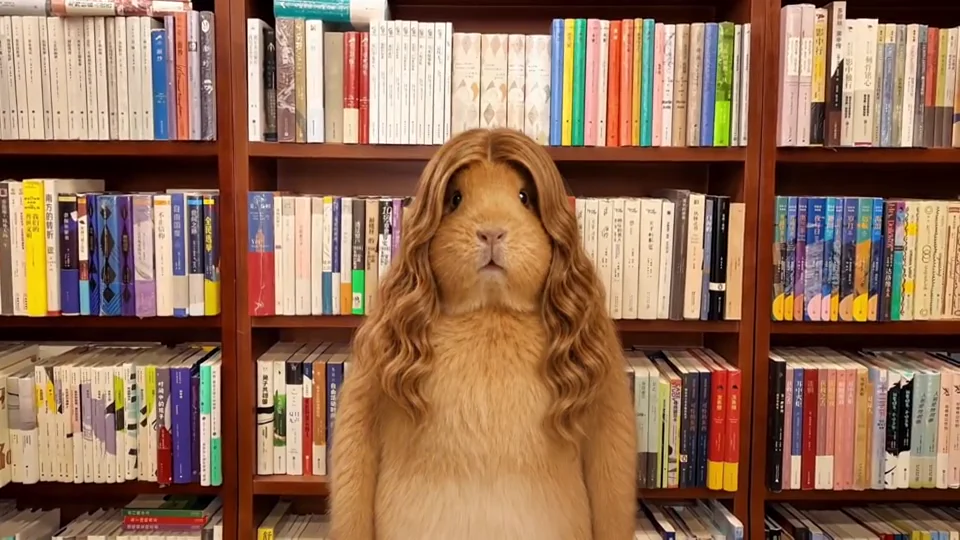 Demo frame
Webcam Photos and Filters
Make a set of character reactions. Save individual PNGs, compare identity and framing across the group, then retake only the picture that needs work.
Make a photo setImages show gallery references and frames from an effect demonstration. Preview your own camera with your chosen reference before taking a photo or recording. For a different on-camera appearance, explore our face swap tools.
Preview first. Keep the result you like.
Each tool opens the full studio with your existing account and credits. Save photos from the live AI result, or record and review a video. Stop AI when you finish generating and keep your downloaded files before leaving the tab.